

Online Submission
Article Submission Guidelines
To submit your research articles to the International Journal of Recent Technology and Applied Science (IJORTAS), please follow the steps below:
1
First, you need to Register as an author on our platform.
2
Log in to the system using your newly created username and password.
3
Go to your User Home and click New Submission located at the top right corner.
4
Complete the process by submitting your article through the system's guided step-by-step submission wizard.
Important Information for Authors
Before submitting your manuscript, please ensure that all items listed in the Submission Preparation Checklist have been fully completed.
Review Submission Requirements
All requirements listed in the Submission Preparation Checklist will be verified during the initial screening process. Only manuscripts that satisfy all requirements will be considered for the peer-review process.
Additional Requirements
➤ Similarity Report: Maximum similarity index of 10%.
➤ Grammar Check Report: Minimum grammar score of 90.
➤ AI Usage Statement: Required if Artificial Intelligence (AI) tools were used in manuscript preparation. AI-assisted content must not exceed 20%.
➤ Grammar Check Report: Minimum grammar score of 90.
➤ AI Usage Statement: Required if Artificial Intelligence (AI) tools were used in manuscript preparation. AI-assisted content must not exceed 20%.
Required Documents
Please submit your manuscript together with the following documents:
☞ Cover Letter
☞ Author Contribution Form
☞ Reviewer Suggestion Form
☞ Originality Statement
☞ Prepared Disclosure Form (if applicable)
☞ Author Contribution Form
☞ Reviewer Suggestion Form
☞ Originality Statement
☞ Prepared Disclosure Form (if applicable)
Templates and Forms
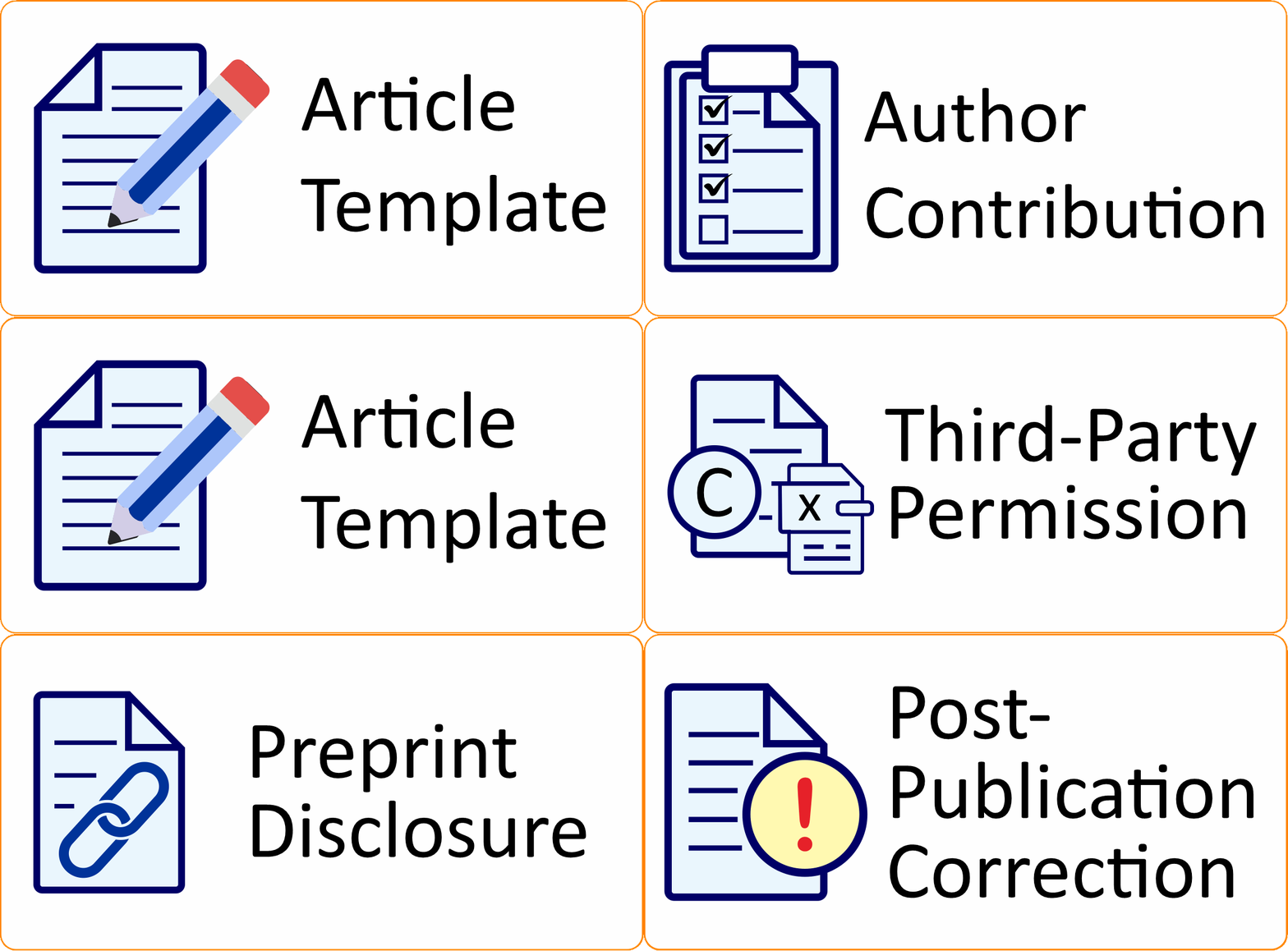
All required submission documents, including the Cover Letter, Author Contribution Form, Reviewer Suggestion Form, Originality Statement, and Prepared Disclosure Form, are available on the journal's Templates and Forms page.
Authors are strongly encouraged to download and use the latest version of each document before submitting their manuscripts.
Manuscript Revision
If your manuscript requires revision following the peer-review process, please use the Response to Reviewer Form to address all reviewer comments and recommendations.
The Response to Reviewer Form can also be downloaded from the Templates and Forms page.